Gmail has introduced new feature for composing email, we can call it as new look also. This feature is very simple and easy to use and gives a better experience than the previous Gmail composer.
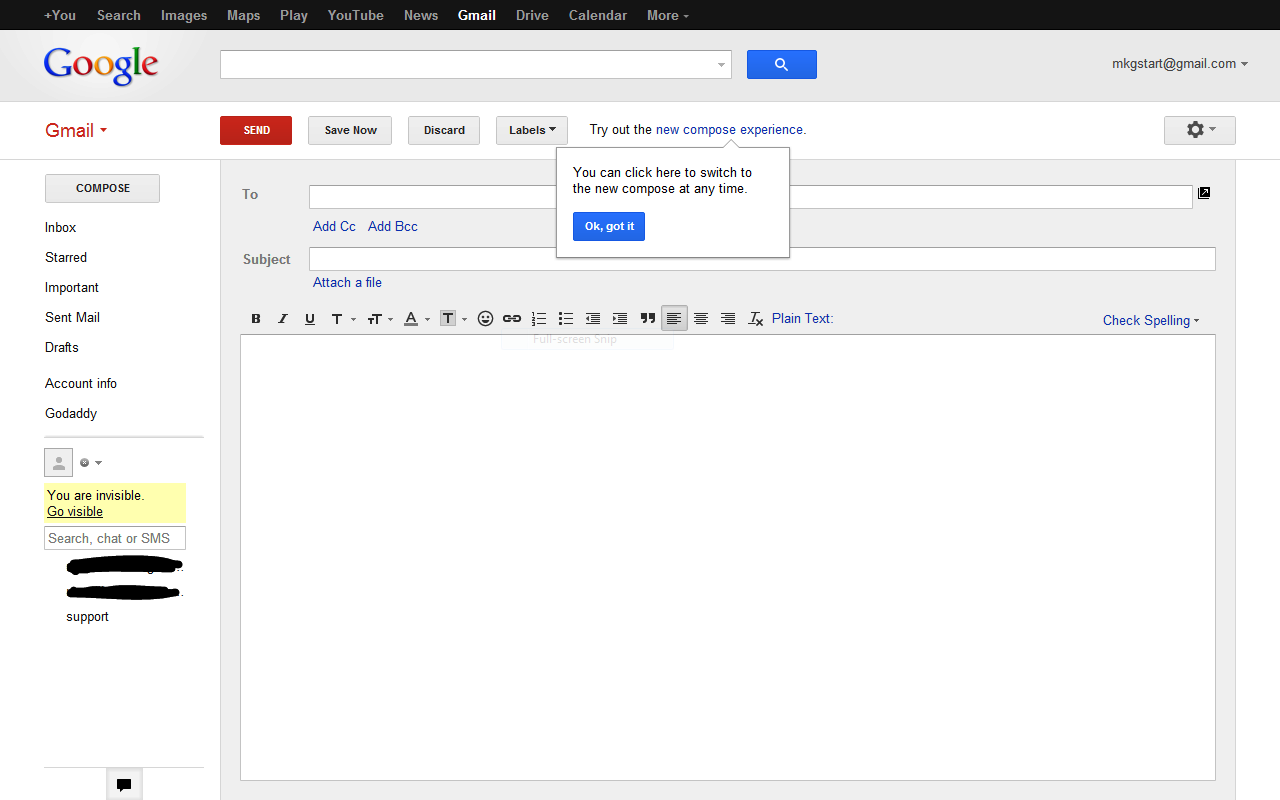
For switching this new look or feature you need to open your Gmail and click the compose button. You can find “Try out the new compose experience” highlighted in the right of the menu just beside the labels button. You can see as in the image the above image. You may also find “Try out the new compose experience”, when you sign-in to your Gmail.


